ONGOING ENGAGEMENTS
Private client workspace
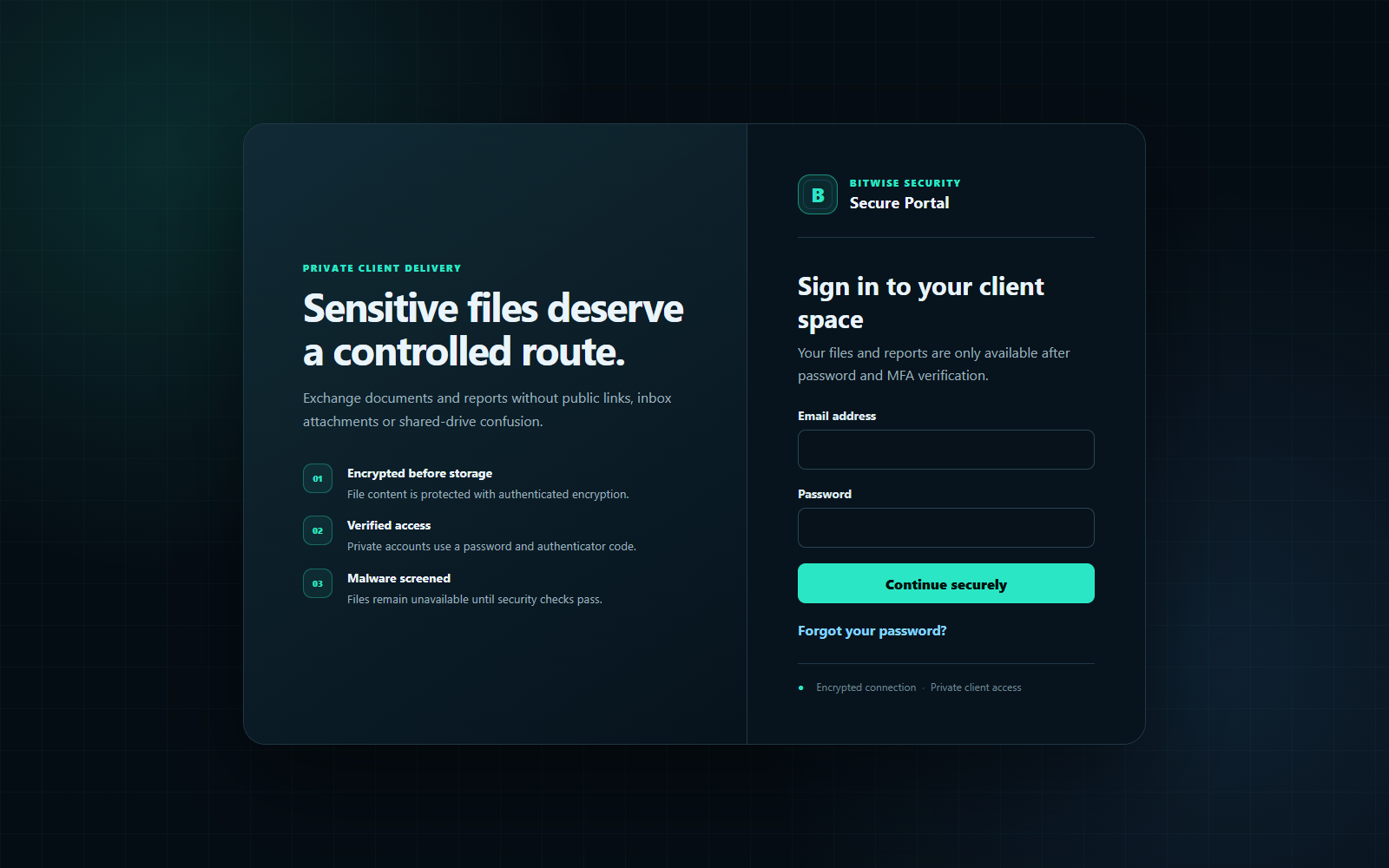
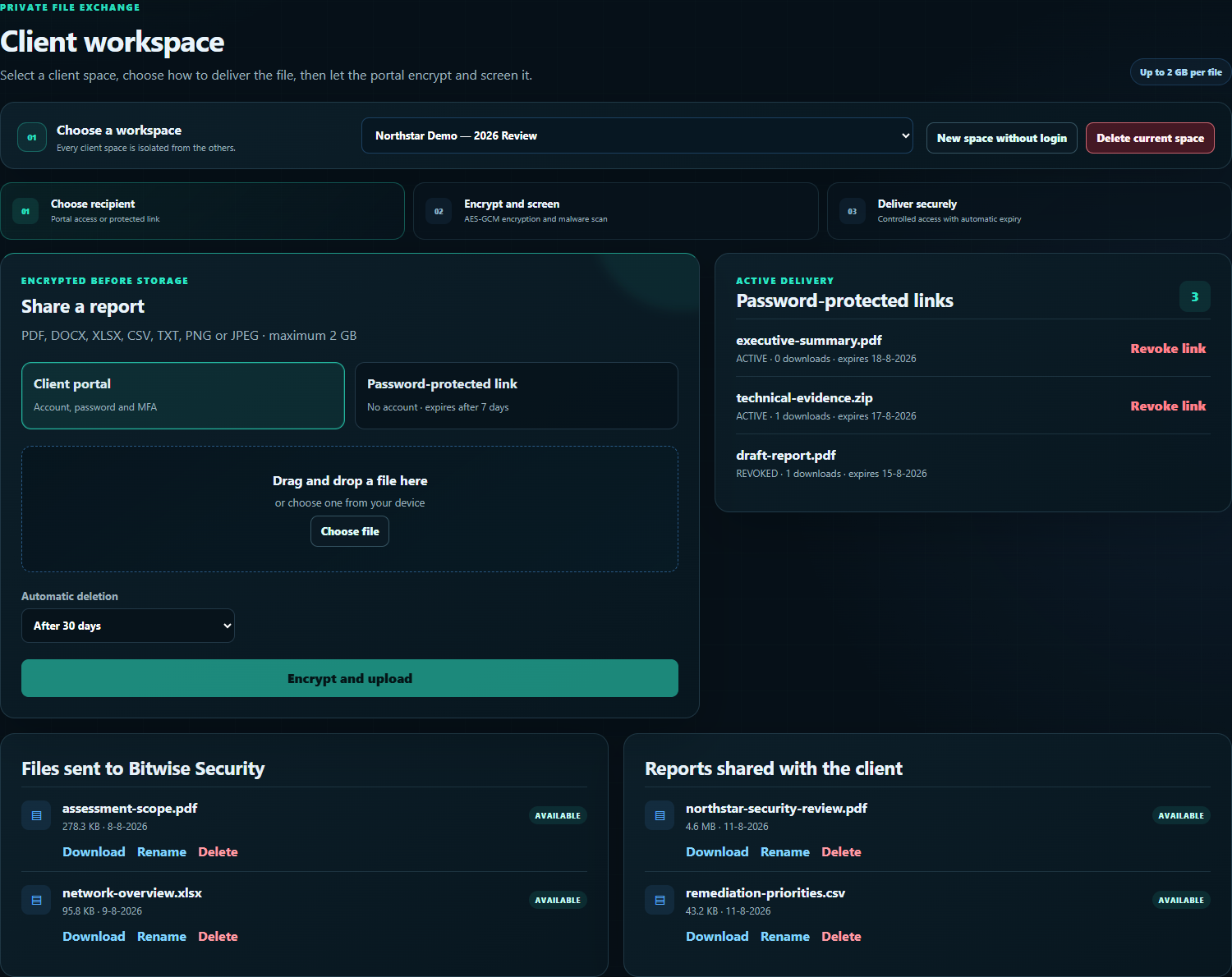
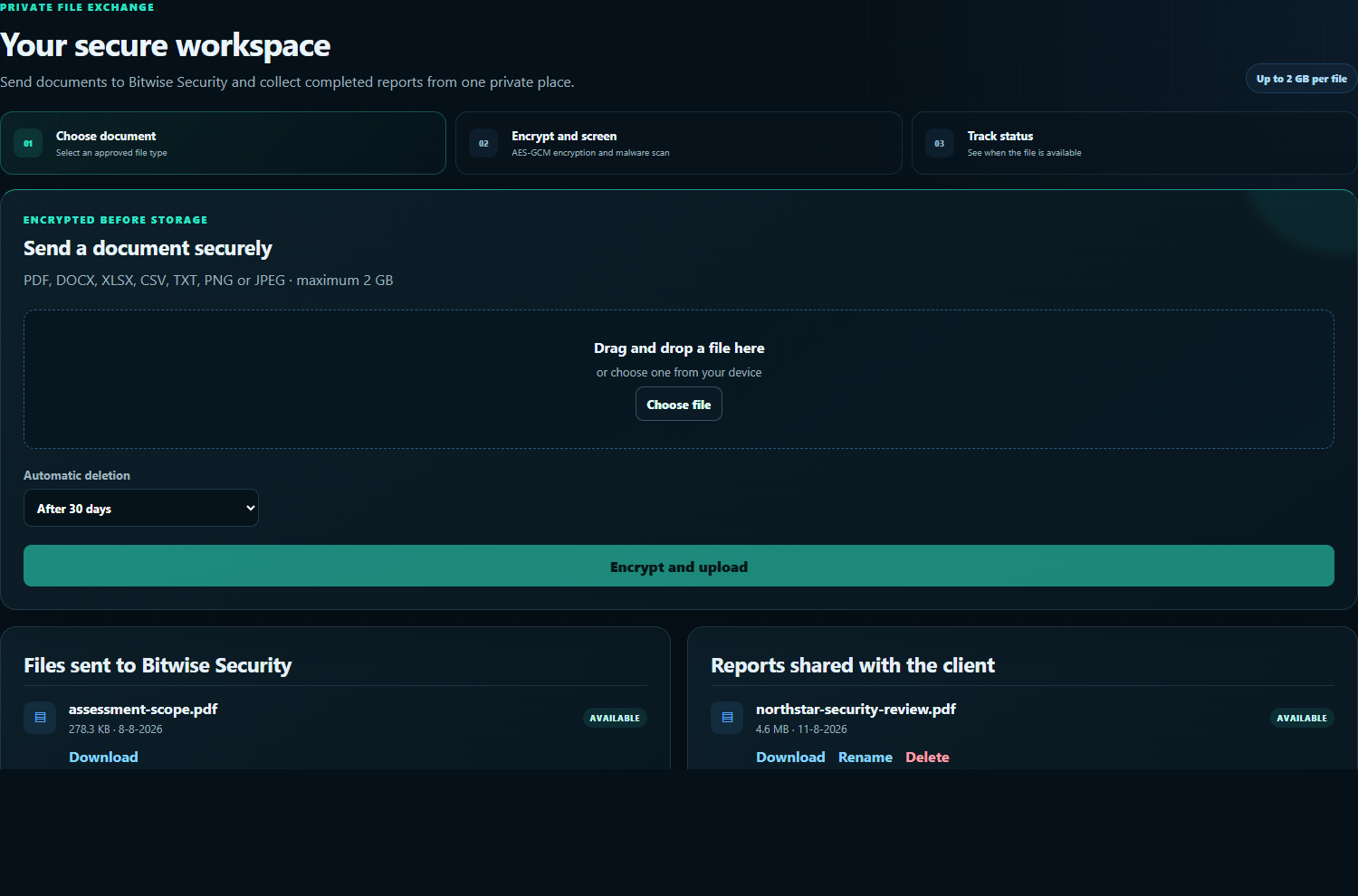
A named client space protected by password and MFA, with a clear separation between documents sent to Bitwise Security and reports shared back.
[ SECURE FILE PORTAL ]
A private route for the documents that should never become ordinary email attachments. Clients can upload sensitive material and receive completed reports through an encrypted, malware-screened workspace.
PRIVATE BY DEFAULT
Access is explicitly granted. Knowing a file identifier is never enough to retrieve a customer's data.
ONGOING ENGAGEMENTS
A named client space protected by password and MFA, with a clear separation between documents sent to Bitwise Security and reports shared back.
ONE-OFF DELIVERY
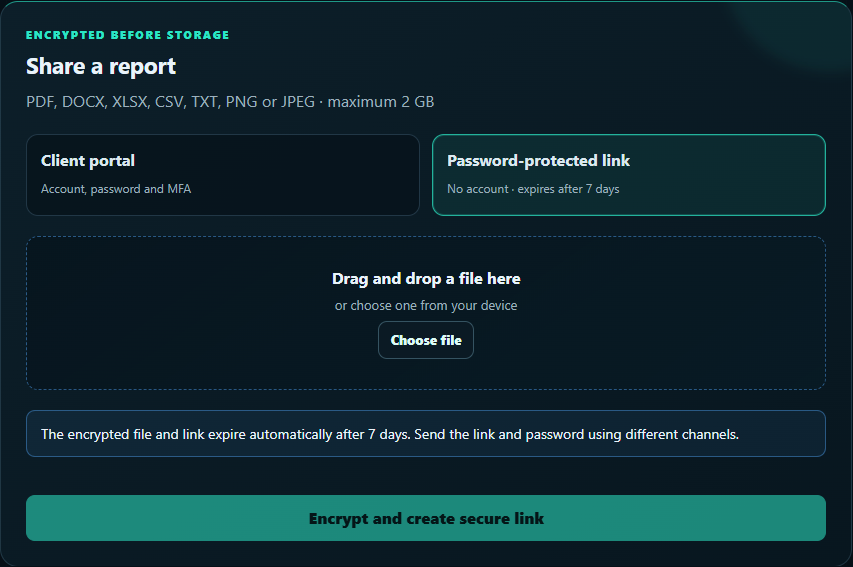
A time-limited download link for recipients who do not need an account. The link and generated password are shared through separate channels.
FROM UPLOAD TO DELETION
Use an MFA-protected client space for ongoing work or a seven-day password-protected link for one-off delivery.
The browser encrypts file chunks with AES-256-GCM before encrypted object data is written to private storage.
Uploads remain unavailable while file-type checks and continuously updated malware signatures screen the content.
Short-lived, single-use download tickets prevent a copied download address from becoming permanent access.
Uploads, downloads, deletions, sign-ins and permission changes are recorded in the administrative security log.
Automatic expiry is available per file, and completed client spaces can be permanently removed with explicit confirmation.
SECURITY MODEL
The portal keeps the sensitive controls behind a straightforward workflow: choose a space, choose a file, and send. Stronger protections such as MFA, object-level authorization, CSRF protection, rate limiting and one-use tickets operate without adding unnecessary decisions for the recipient.
AES-256-GCM authenticated encryption
Private Cloudflare R2 object storage
Password plus TOTP MFA for accounts
Argon2id password protection
Malware scanning before availability
Audited access and deletion
SANITIZED PRODUCT VIEWS
All screenshots contain fabricated demo names and files. No customer data is shown.
Open the preview for a closer look
Open the preview for a closer look
Open the preview for a closer look
Open the preview for a closer look
RETENTION & GDPR
Sensitive assessment data should not remain online by accident. Files can expire automatically, protected links expire after seven days, and an administrator can permanently delete a completed client space and its stored objects. Minimal content-free audit evidence may be retained for security accountability.
START SECURELY
Contact Bitwise Security first. You will receive either a private account invitation or a protected transfer link appropriate for the engagement. Never send sensitive assessment material through the normal contact form.
We use Google Analytics to understand site usage and measure advertising performance. Storage and advertising use remain disabled unless you accept. You can change your choice at any time. Read our Privacy & Cookie Policy.